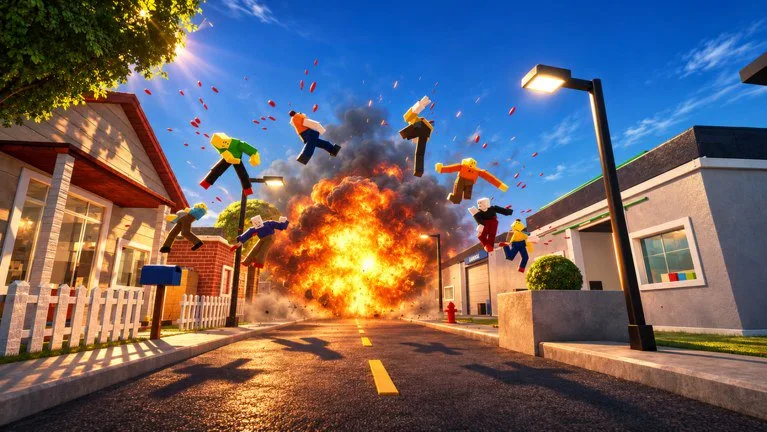
Two layers, no invented sliders
The official description says you can customize visual style and effects in Settings. It does not name every slider. This page will not invent slider titles. Open the in-experience panel and change one option at a time, then fire a single shot at a dummy and watch the reaction.
Also check Roblox client graphics quality, sensitivity, and shift lock. Those sit outside the experience and still change how aim feels.
Visual style is the overall look: contrast, mood, how sharp or filmy the scene is. A bolder look can help a Sandbox clip. A cleaner look helps you see a player, a zombie, or a hostage.
Effects are impact punch and particles. Higher intensity sells the mess. Lower intensity keeps the limb visible and the frame rate honest. If you cannot tell where the last hit landed, the effects are too high.
Weak devices
Low-end PCs and hot phones stutter when ragdoll piles, explosions, and high effects stack. That stutter feels like bad aim.
- Drop Roblox graphics quality before you blame only the experience.
- Lower effects before you abandon a style tint. Particles usually cost more.
- Do not run a max-effects film preset during Ambush Escape.
- Close background apps. Thermal throttling feels like missed shots.
- A four-player session puts more bodies on screen than a solo lab. Tighten the budget when friends join.
A stable readable session beats a slideshow of max particles. Cash farming and scenario timers both punish stutter.
Profiles you can reapply
The game may not ship a named preset for every mode. Keep three habits:
- Sandbox clips. Enough effects to read the hit, not so many that a launch becomes fog. If time control is on, turn effects down a step so slow motion shows joints.
- Survival. Cleaner style, restrained effects, stable frames, visible zombie silhouettes.
- PvP and scenarios. Modest effects so doorways, hostages, and exits stay obvious.
Record on a richer look only for the take you keep. Grind and timers stay on the study profile.
A one-minute routine
- Open Settings before the first serious fight or film take.
- Set the clean profile and test one Sandbox impact.
- Switch richer only while recording.
- Re-check frames when friends join or a scenario starts.
Settings do not grant Cash or weapons. They only decide whether the physics you paid attention for is visible.